

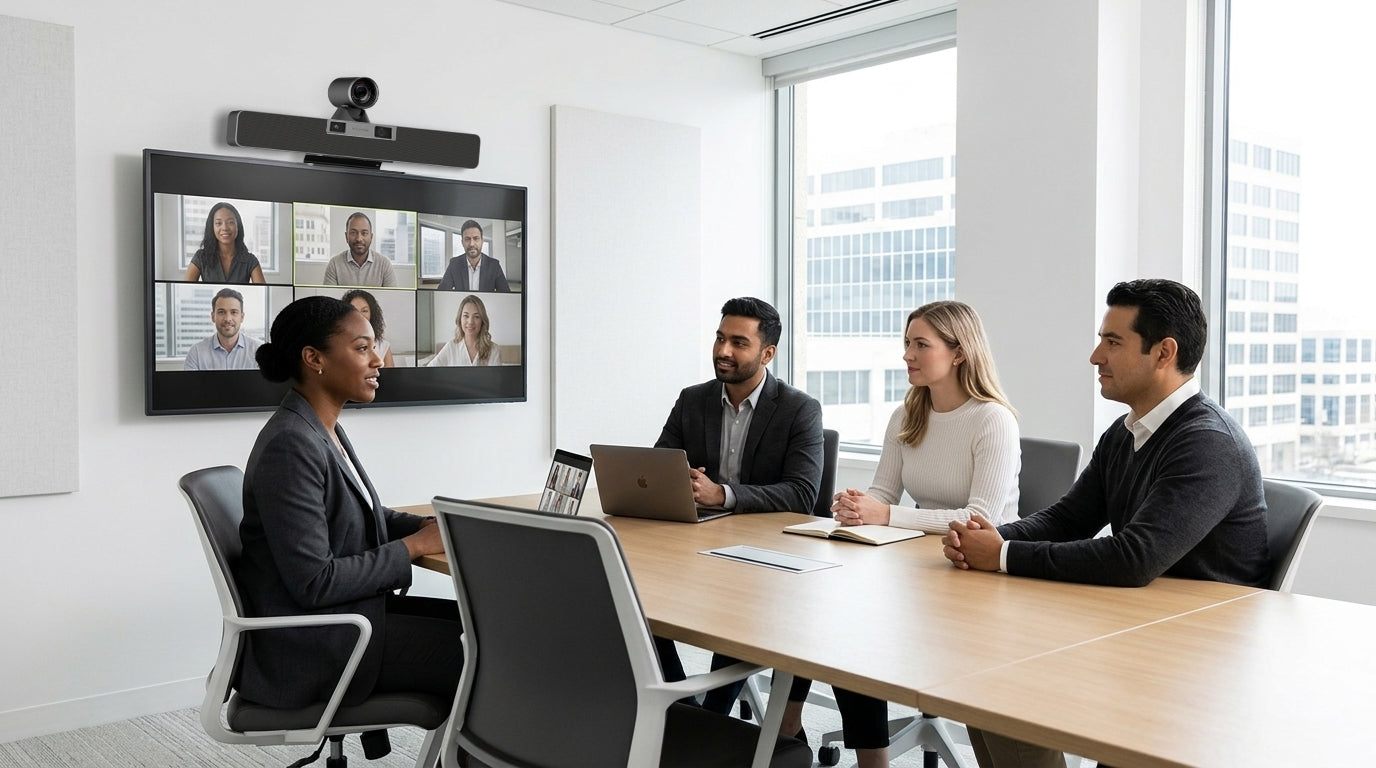
La technologie des salles de réunion a considérablement évolué ces dernières années. Le travail hybride est devenu une composante permanente de la manière dont les organisations collaborent, et les attentes des employés concernant les réunions ont évolué en conséquence.
Pourtant, de nombreuses organisations s’appuient encore sur des installations de salles de réunion conçues pour une autre époque, où la plupart des participants se trouvaient dans la même salle et la visioconférence étaient un besoin occasionnel plutôt qu’une nécessité quotidienne.
Le défi n’est pas toujours évidente. Les salles de réunion échouent tous à la fois. Au contraire, de petits problèmes commencent à s’accumuler jusqu’à ce que la productivité, la collaboration et la satisfaction des utilisateurs commencent à en pâtir.
Si l’un des signes suivants vous semble familier, il est peut-être temps d’évaluer si vos salles de réunion sont prêtes pour une mise à niveau.
1. Les réunions commencent rarement à l’heure
Toutes les organisations ont déjà vécu cette situation.
Une réunion est prévue à 10 h, mais les cinq à dix premières minutes sont consacrées à :
-
Connecter les ordinateurs portables
-
Trouver le câble approprié
-
Dépanner les paramètres audio
-
Passer d’une plateforme de visioconférence à une autre
Même si ces retards peuvent sembler mineurs, ils s’accumulent rapidement dans des dizaines de réunions chaque semaine.
Ce que cela indique
La technologie de votre salle de réunion peut créer des frictions inutiles pour les utilisateurs.
Ce que privilégient les salles modernes
-
Connectivité sans fil ou à l’aide d’un seul câble
-
Flux de travail adaptés au BYOD
-
Expériences de salle simples et intuitives
-
Démarrage rapide des réunions
L’objectif est que les utilisateurs entrent dans une salle et commencent immédiatement à collaborer immédiatement.
2. Les participants à distance ont régulièrement du mal à participer
Les réunions hybrides ne sont réussies que lorsque tout le monde peut participer dans la même mesure.
Si les participants à distance fréquemment:
-
Demandent aux intervenants de répéter
-
Ont du mal à voir les participants
-
Se sentent déconnectés des discussions
-
Participent rarement aux réunions
le problème ne vient peut-être pas de la réunion elle-même, mais de la salle.
Ce que cela indique
Vos caméras, microphones ou l’aménagement de la salle ne prennent peut-être pas suffisamment en charge la collaboration hybride.
Ce que privilégient les salles modernes
-
Couverture vidéo claire de toute la salle
-
Capture audio de haute qualité
-
Technologies de cadrage intelligent
-
Expériences de collaboration inclusives
Lorsque les participants à distance peuvent voir et entendre clairement, leur engagement s’améliore naturellement.
3. L’équipe informatique reçoit régulièrement les mêmes demandes d’assistance
L’un des indicateurs les plus évidents que les salles de réunion nécessitent une attention particulière est le volume de tickets d’assistance récurrents.
Voici quelques exemples courants :
-
Appareils qui ne se connectent pas correctement
-
Problèmes audio
-
Problèmes de configuration des caméras
-
Confusion des utilisateurs concernant les commandes de la salle
Lorsque les mêmes problèmes continuent de se produire, le problème est souvent systémique plutôt qu’isolé.
Ce que cela indique
La complexité peut accroître les besoins d’assistance et mobiliser de précieuses ressources informatiques.
Ce que privilégient les salles modernes
-
Conceptions de salles standardisées
-
Expériences utilisateur cohérentes
-
Dépannage simplifié
-
Compatibilité fiable des plateformes
Réduire la complexité a souvent un impact direct sur la charge de travail des équipes informatiques charge de travail.
4. Les employés évitent certaines salles de réunion
La plupart des organisations ont « cette salle ».
La salle que tout le monde évite parce que :
-
La technologie n’est pas fiable
-
La qualité audio est médiocre
-
La configuration est déroutante
-
Réunions fréquemment rencontrent problèmes techniques
Lorsque les utilisateurs commencent à choisir leurs espaces de réunion en fonction des salles qui posent le moins de problèmes, cela révèle souvent des difficultés technologiques plus profondes.
Ce que cela indique
Les employés ont perdu confiance dans l’expérience de réunion.
Ce que privilégient les salles modernes
-
Cohérence entre les espaces
-
Performance fiable
-
Interfaces conviviales
-
Expériences de collaboration prévisibles
La meilleure salle de réunion est celle qui utilisateurs la confiance sans hésitation.
5. Votre configuration actuelle ne prend pas en charge la manière dont les gens travaillent aujourd’hui
De nombreux environnements de salles de réunion ont été conçus avant que le travail hybride ne devienne la norme.
Par conséquent, elles peuvent avoir du mal à prendre en charge :
-
Vidéoconférences fréquentes
-
Collaboration multiplateforme
-
Flux de travail BYOD
-
Équipes réparties
Même si la technologie fonctionne techniquement, elle n’est peut-être plus adaptée à la manière dont les employés collaborent réellement.
Ce que cela indique
La salle répond peut-être aux exigences d’hier, mais pas à celles d’aujourd’hui.
Ce que privilégient les salles modernes
-
Flexibilité
-
Compatibilité des plateformes
-
Évolutivité
-
Expériences hybrides fluides
Une modernisation n’est pas toujours tout remplacer. Souvent, c’est il s’agit d’aligner la technologie sur les besoins actuels de l’entreprise.
Comment aborder stratégiquement la modernisation d’une salle de réunion
Moderniser les salles de réunion ne fait pas ne signifie pas nécessairement repartir de zéro.
Les organisations les plus performantes commencent par évaluer :
-
Expérience utilisateur
-
Besoins en assistance
-
Cohérence des salles
-
Performance des réunions hybrides
-
Évolutivité à long terme
Plutôt que de rechercher les fonctionnalités les plus récentes, il faut se concentrer sur la réduction des frictions et l’amélioration de la fiabilité.
Dans bien des cas, une approche plus simple et plus standardisée offre une meilleure valeur à long terme qu’une solution plus complexe.
Réflexions finales
Les problèmes des salles de réunion apparaissent souvent progressivement, ce qui les rend faciles à négliger.
Mais lorsque les réunions commencent systématiquement en retard, que les participants à distance peinent à s’impliquer, que les demandes d’assistance augmentent et que les employés perdent confiance dans la technologie, ces problèmes peuvent avoir un impact mesurable sur la productivité et la collaboration.
Reconnaître rapidement les signes permet aux organisations d’apporter des améliorations réfléchies qui soutiennent à la fois les employés et les équipes informatiques.
Chez Rocware, nous sommes constatent que de plus en plus d’entreprises se concentrent sur la création d’espaces de réunion simples, évolutifs et conçus pour le lieu de travail hybride d’aujourd’hui, car les meilleures salles de réunion ne sont pas simplement équipés de technologies, ils sont conçus autour des personnes qui les utilisent.
Partager:
Le véritable retour sur investissement des déploiements audiovisuels simplifiés
Pourquoi le BYOD devient la nouvelle norme pour les salles de réunion